



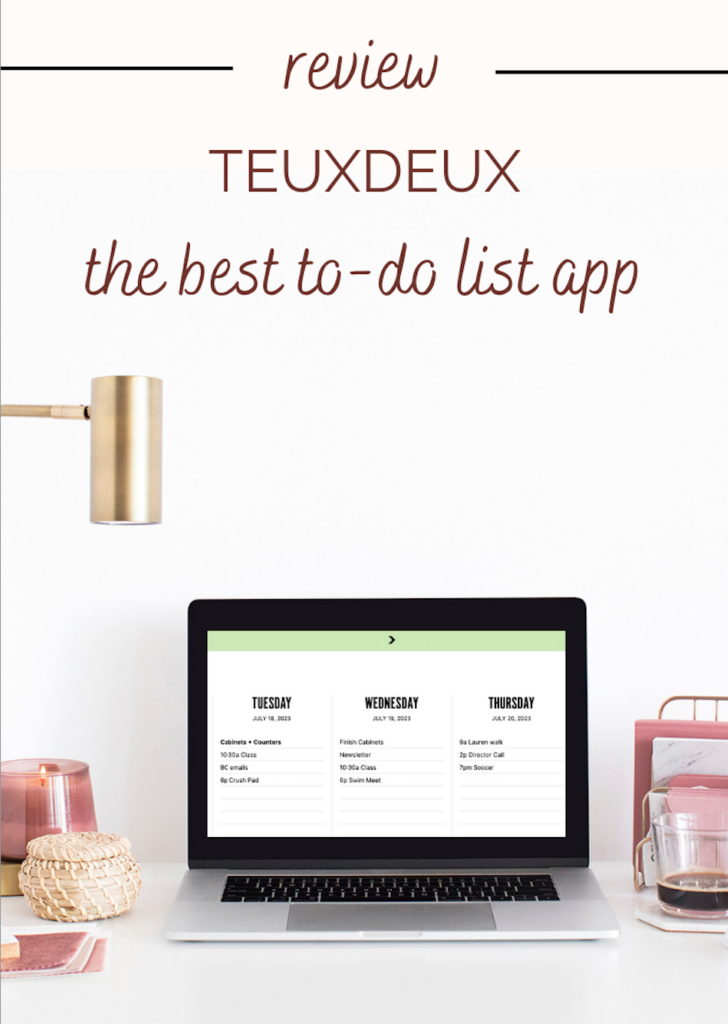
I’ve been using TeuxDeux for years as an awesome clean and simple to-do app. Here’s my TeuxDeux review on my favorite features and why you should give it a try!
What is TeuxDeux?
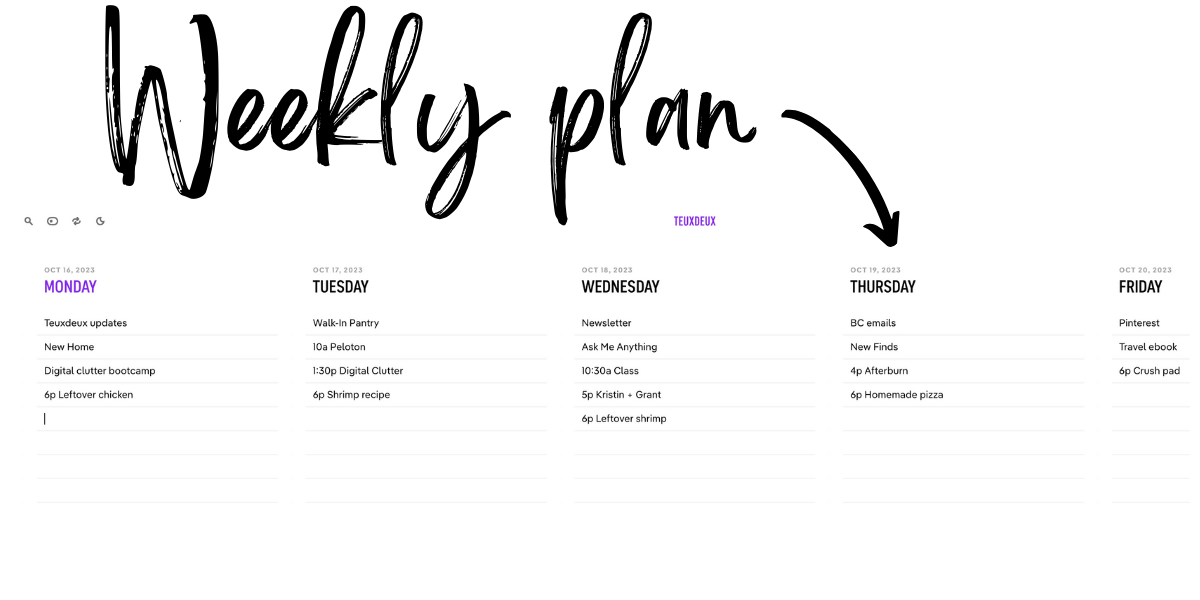
First off, if it’s not abundantly clear, TeuxDeux is pronounced “to-do” because it is the best to-do list app there is! I often refer to it as a “digital planner” because it has a week-at-a-glance layout that I absolutely love for a more visual task experience.
This post isn’t sponsored: I’ve been using TeuxDeux for years and it’s what I recommend in my Digital Clutter Course as the best way to organize your week. I even have my husband, who is a general contractor, using it to sort through all the small tasks he has to remember for multiple clients each week. He now says he couldn’t do his job without it!
So what exactly is TeuxDeux and how do I use it? Let’s dive into that in detail!
TeuxDeux Review
TeuxDeux is a task management app that provides a simple and intuitive interface for organizing your daily to-do lists. TeuxDeux is well known for its minimalist design and user-friendliness. There aren’t 15 fields you have to fill out just to enter a task with deadlines and categories. Simplicity is queen here.
My Weekly Planner
TeuxDeux’s tagline is “Organize your life in a single tab.” It’s the second tab that is always open on my computer, next to my email inbox. While I do use software like Asana for organizing my business and Google Calendar for keeping track of month-by-month events and appointments, TeuxDeux is my weekly planner. I input everything from work tasks to personal tasks to social events to appointments into my TeuxDeux each week so that I have ONE place to reference each week. I make a weekly plan and the week can be seen as an overview with everything from workouts to food included.
Here are 10 key features of TeuxDeux:
1. A clean and intuitive dashboard
TeuxDeux has a clean, uncluttered design that focuses on simplicity and ease of use. It provides a straightforward layout that allows you to quickly add, edit, and organize your tasks. When you finish something, click on it and grays out and you can either leave it there gray to see what you’ve accomplished or delete it for a clean look.
2. Easily organize your tasks with drag and drop
You can easily move tasks between days, mark them as complete, or reschedule them by dragging them to the next day or the next week. I LOVE that if you don’t get to a task one day it automatically moves forward to the next. Thomas uses this feature a lot!
3. Customize Your View with the Toolbar
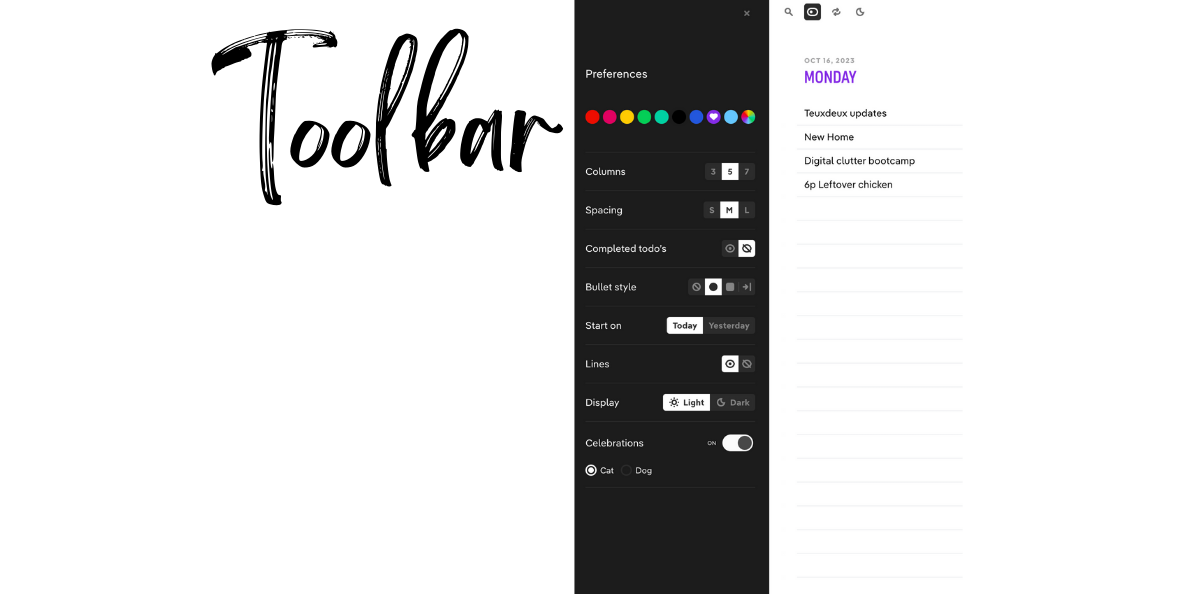
There is a toolbar menu at the top left of your home dash that appears to the side when you click on it. This allows you to customize your font size, days shown, whether you see completed tasks or not, dark or light mode, hide yesterday, short cuts and more.
4. Customize tasks
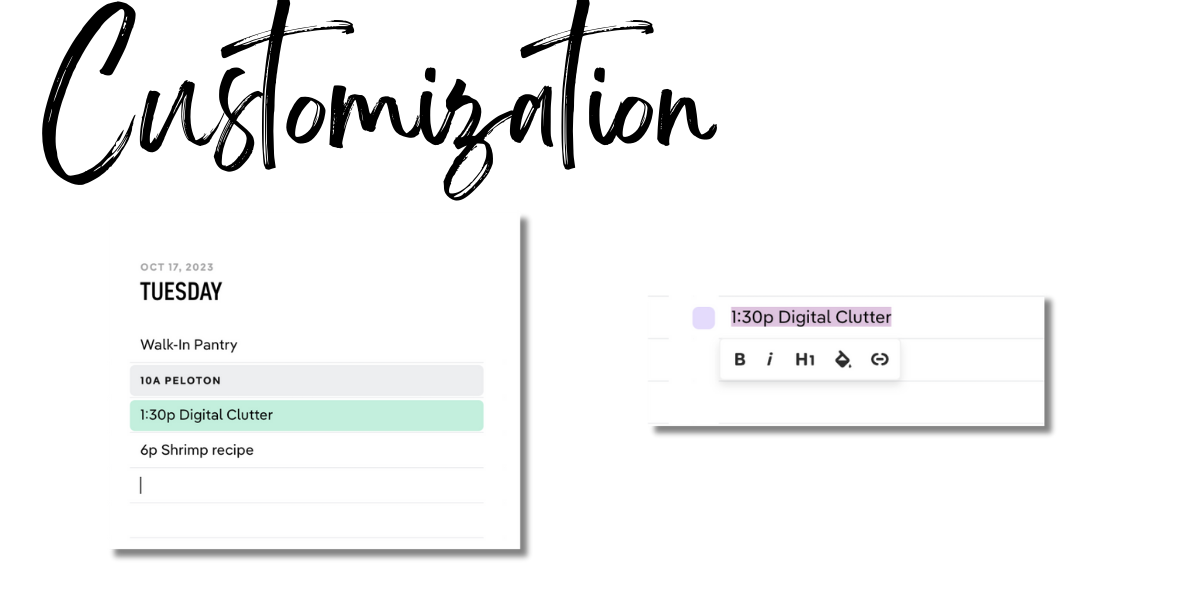
A new feature to Teuxdeux in 2023 is the ability to click and highlight a task and see a menu of options from making a task a heading to adding a highlight to color code! This is great if you want important tasks to stand out or to color code your workouts, meals, meetings, or work vs. personal tasks.
5. Recurring tasks
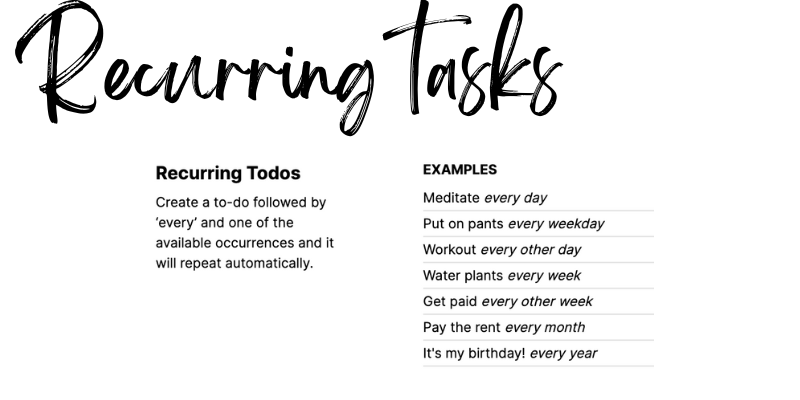
TeuxDeux offers the ability to set up recurring tasks, making it convenient for managing regular or repetitive activities. Do you need to walk the dog every afternoon or go to yoga every Thursday at 7 p.m.? Add it as an “every week” task and it will automatically pop up. You can now edit the recurring tasks too, so you can customize them even more.
6. Mobile and desktop sync
TeuxDeux is available as a web app, which means you can access it from your desktop or laptop computer. Additionally, there is an iOS app for iPhone and iPad users, that enables you to check your list on the go. I often add tasks when I’m out and need to jot down a simple reminder, but I primarily use the desktop app for working and creating my weekly plan.
7. Customize the colors from the toolbar
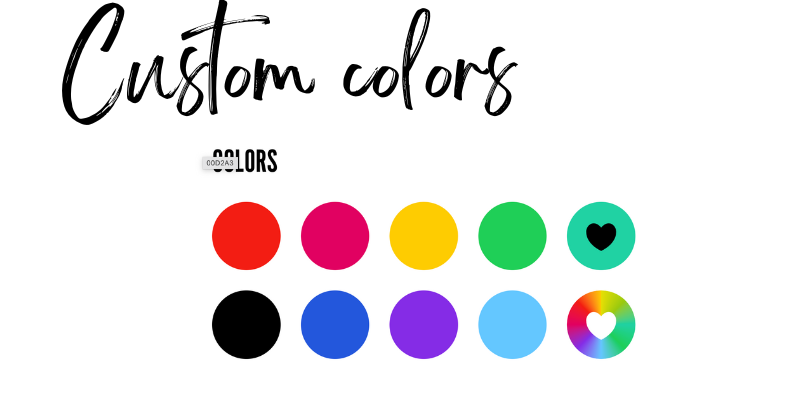
What would a “best app” be without custom colors!? I switch mine seasonally. Choose from their top pics or use a custom color picker.
8. Someday Lists
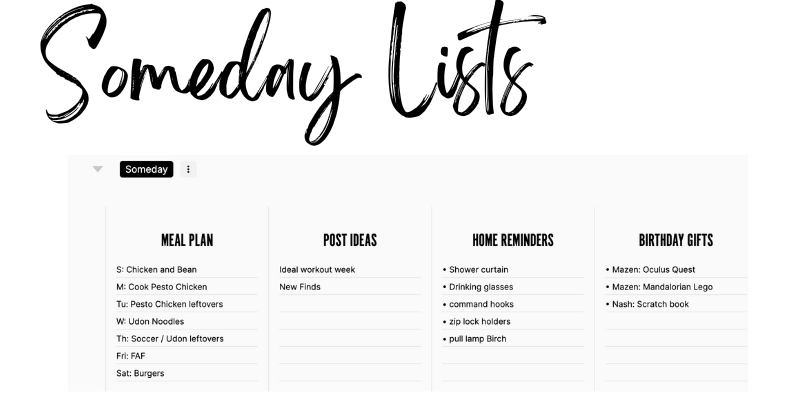
The reason TeuxDeux is an all in one app is the Someday Lists! These live at the bottom of your week and are blank, so you can add anything you can dream up! I use them for our meal plan, blog post ideas, brain dump, household reminders, and gift lists. I love that this section is totally collapsable so you don’t have to see it when you’re focusing on the important daily tasks. There is also the ability to have multiple Someday tabs now too, so you can have them grouped by category: personal, home, health, kids, travel, etc.
9. Offline functionality
TeuxDeux allows you to access and edit your tasks even when you don’t have an internet connection. Great if you’re on an airplane or in a pinch!
10. Collaboration and sharing
I didn’t know this fun fact until I was researching this post, but you can share your lists with others by generating a shareable link. This can be useful for collaborating with colleagues or sharing household tasks with family members.
TeuxDeux Pricing
The app was $24 a year for the longest time, and jumped to $36 a year just this past year. Still totally worth it for how much time I spend using it! You can also pay monthly for $4 a month. It’s worth noting that TeuxDeux offers a 30-day free trial period at the beginning of either plan, allowing you to test the app and its features before committing to a subscription.
Organize Your Digital Clutter
If you’re inspired to try TeuxDeux as a weekly planner and want to learn more about the Power Hour Method I teach inside my course, watch this free workshop on how to organize your digital clutter and the common mistakes most people make when they’re trying to stay on top of their digital clutter snowball!


Sridhar Katakam says
Have you tried Tweek?
https://tweek.so/
Kath Younger says
No but it’s awesome!! Checking out now.
ssssz says
Offline functionality is pretty limited. If you have something on your mind and you want to add it, you first need to look for internet access, otherwise task will not be saved and will be lost.
yTmp4 says
I love how you highlighted the simplicity of Teuxdeux! It really makes planning my week so much more manageable. Plus, the design is so clean and inviting. Thanks for sharing your experience!
Y2MATE says
I’ve been using Teuxdeux for a few months now and absolutely love its simplicity! The ability to drag and drop tasks makes organizing my day so much easier. Thanks for sharing your thoughts on it—definitely a planner app that has helped me stay on track!