



Learn how The Smart Sticky Note can help you go paperless at home by replacing manuals, notes, and clutter with simple, editable digital information you can access instantly. This post is sponsored.
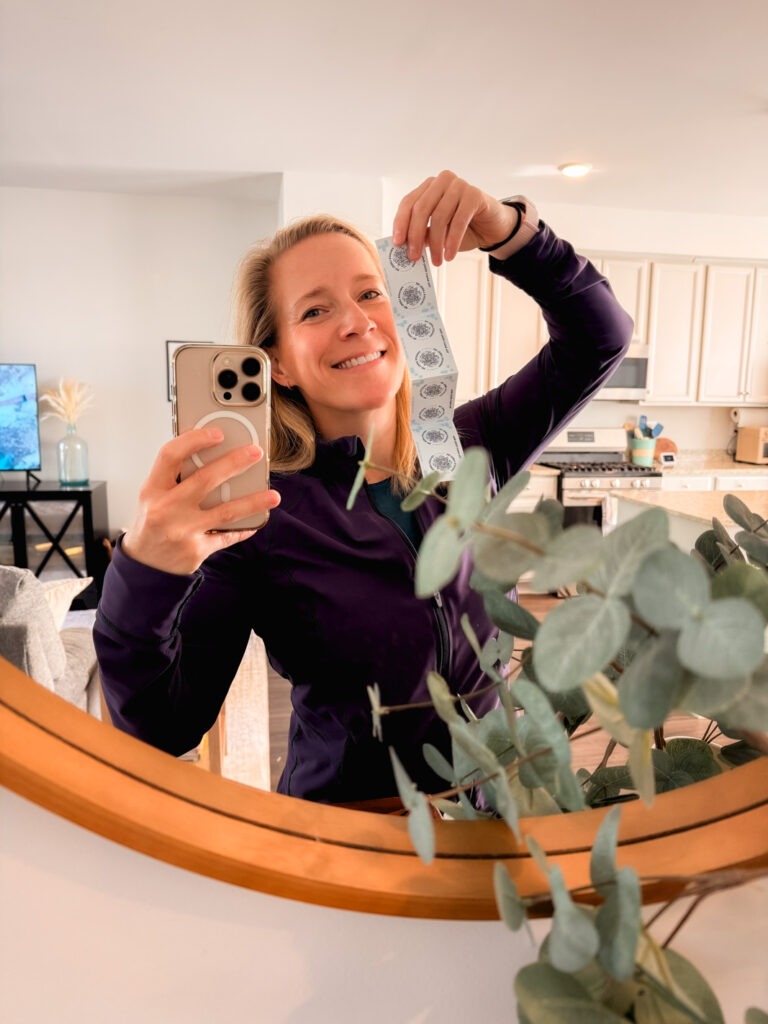
Are you the type of person who has sticky notes of information all around your house? I have a solution for you! I’ve always been drawn to the idea of a paperless home. Less clutter, fewer piles, and no more digging through drawers for that one instruction manual or scribbled note I know I saved somewhere. But in reality, going fully digital can sometimes be too hard for people, especially if they forgot where they saved information. Apps live on your phone, while life happens all around your house. Bridging that gap has always been the tricky part.
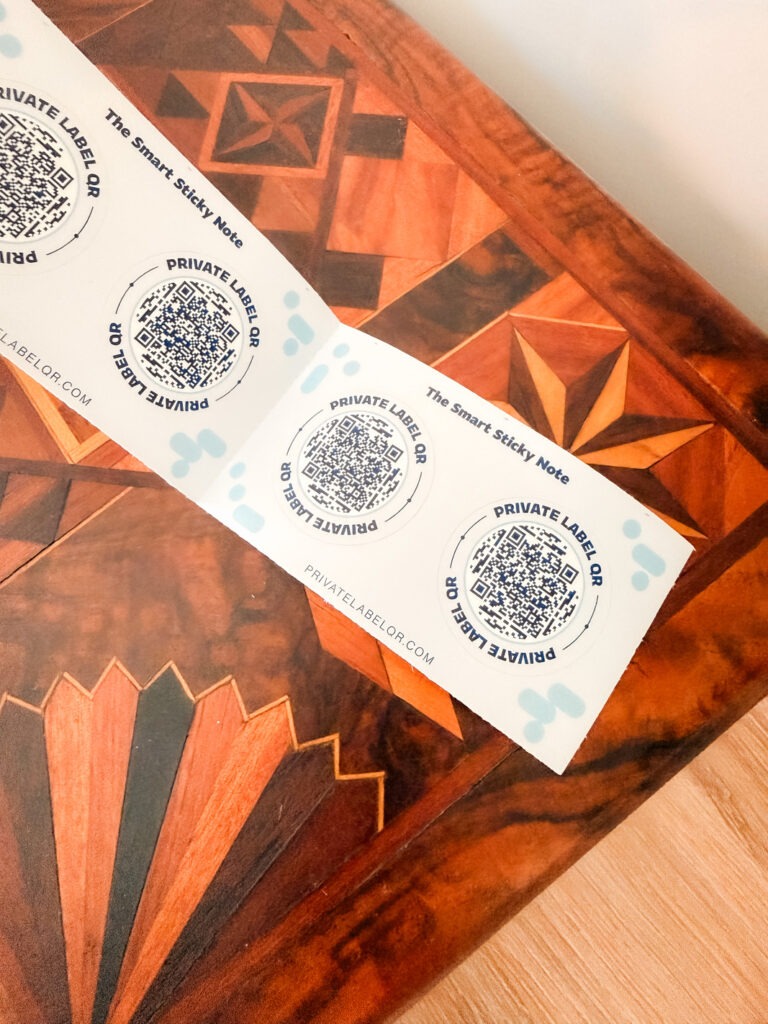
That’s where The Smart Sticky Note comes into play. It’s one of those simple ideas that makes you wonder why you didn’t try it sooner. Manuals, notes, lists, reminders… all things you don’t necessarily want to keep, but feel like you have to. Instead of keeping stacks of paper information “just in case,” you can attach information directly to the things it belongs to with a sticker that you scan when you need to remember important details about the item it’s on.
What Are Smart Sticky Notes?
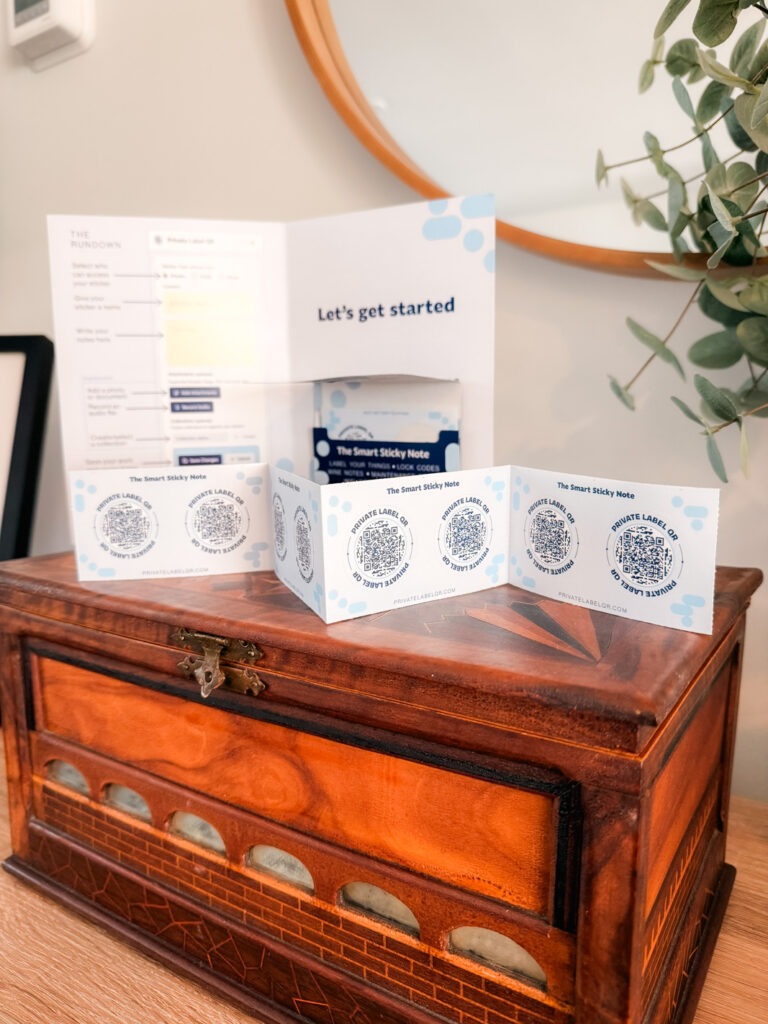
At a glance, they look like small, durable labels. Each one has a QR code that you can scan with your phone, which opens a digital space tied to that specific item. Instead of writing tiny notes or saving paperwork, you can store detailed, editable information that lives digitally but is accessed instantly in the real world.
You can update information anytime without replacing the label, which means no more rewriting, reprinting, or holding onto outdated documents. It’s a very low-effort system that quietly keeps everything organized. You can also mark notes as public or private, depending on the privacy level of the information included and who you intend to see it.
If your goal is to simplify, declutter, and move toward a more minimal home, this is such an easy place to start. And if you’re wondering how you could use them in real life, here is a list of ideas!
15 Ways to Use The Smart Sticky Note Around Your Home
Kitchen “House Hub”
Create one central spot in your kitchen where anyone can scan for WiFi details, emergency contacts, school info, and general house notes. It replaces the need for printed lists or texting the same information over and over.
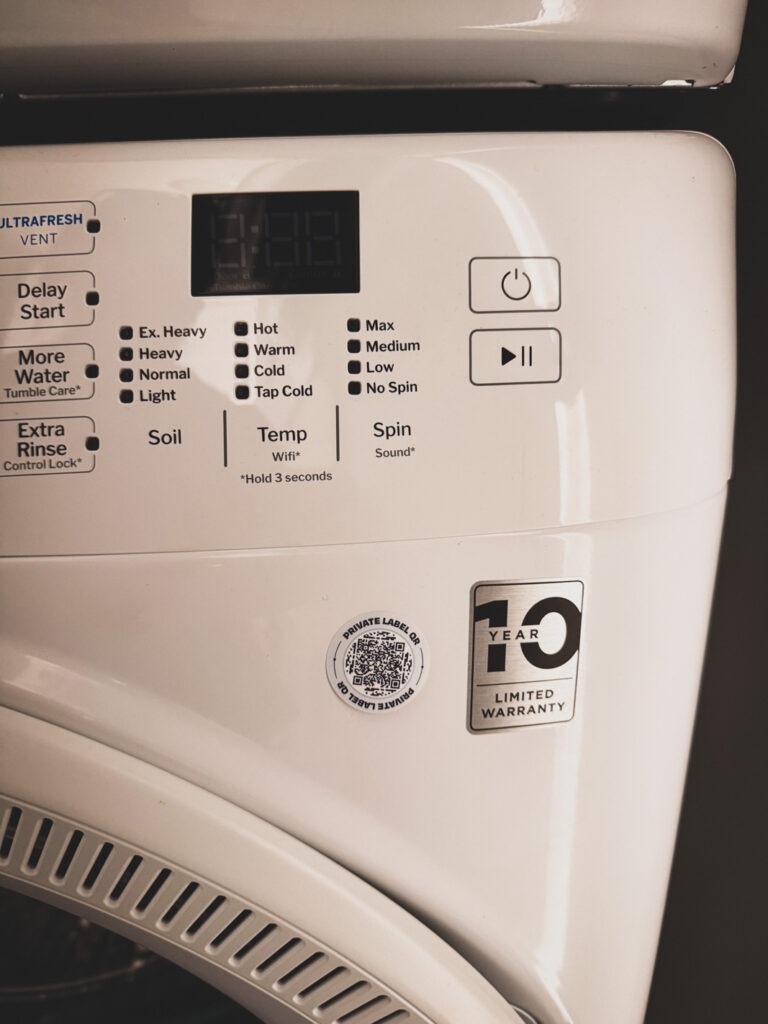
Appliance Manuals
Instead of saving every instruction booklet, link each appliance to its manual as a PDF, usage tips, and model details. You can finally recycle that stack of papers without worrying you’ll need them later.
Renovation Notes You’ll Never Lose
Place a label under a sink or inside a cabinet with details like the store the material came from and the exact materials used. It keeps everything accessible without maintaining a bulky home file system. (Imagine if you bought a house and the previous owners had the exact tile you needed to replace!)
Paint Color Tracker
Store the exact paint colors, brands, and finishes used in your home so you don’t have to keep old cans or scraps of paper for reference. Think inside of cabinet doors or in a central location, like where you store tools.
Furniture Assembly Instructions
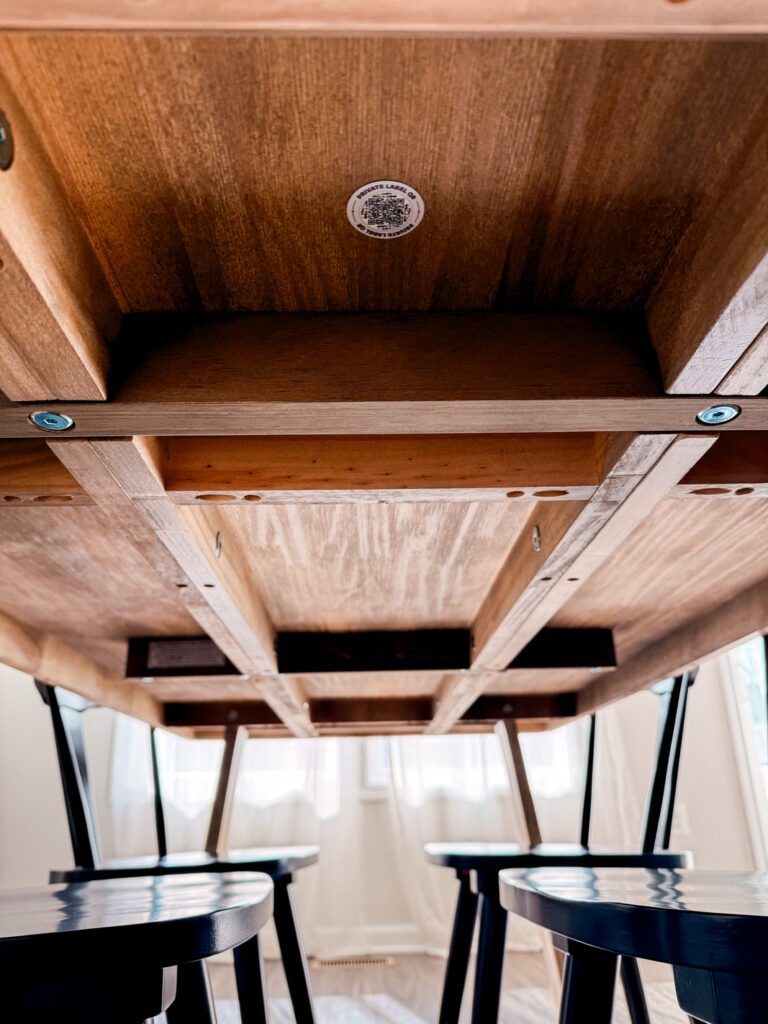
Attach a label to furniture and save the assembly instructions digitally. When it’s time to move or adjust something, you won’t be searching for a long-lost booklet or wondering which screws went where.
Car Maintenance Log
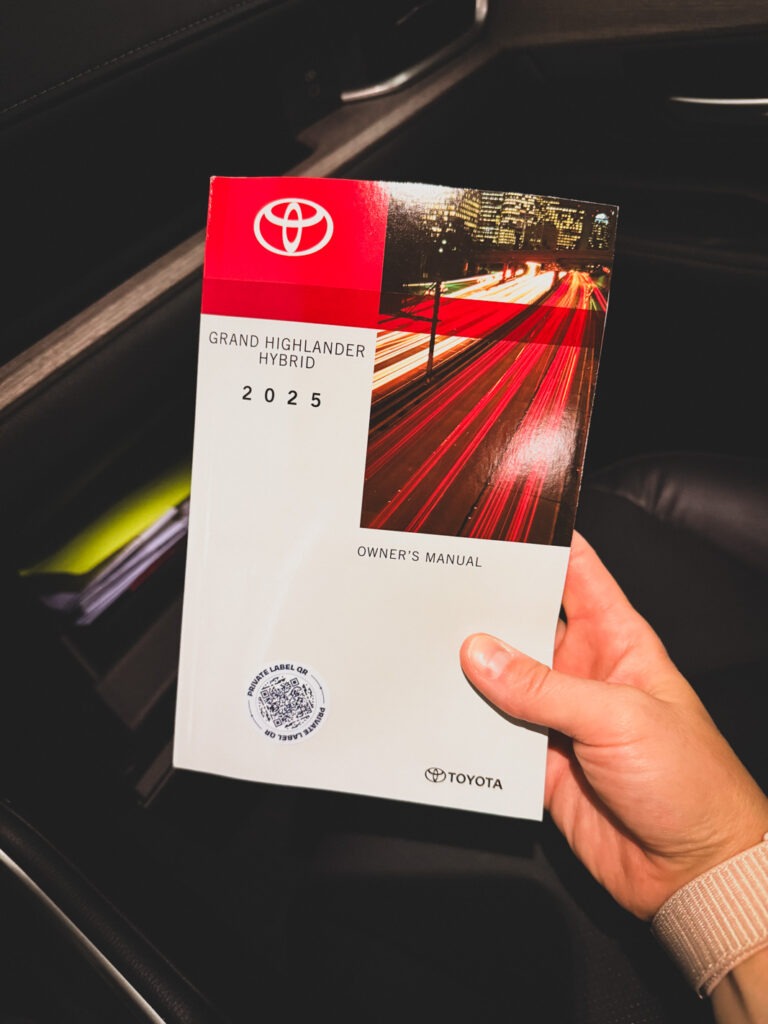
Keep a digital record of oil changes, repairs, tire rotations, and insurance info in your glove box without stuffing it full of receipt or needing to go home and find papers you might need on the go.
Accident Checklist in Your Car
Add a simple, step-by-step guide for what to do after an accident so you don’t need to carry printed instructions or rely on memory in a stressful moment.
Caregiver Support System
For families helping care for a loved one, store medication schedules, routines, and important contacts in one easy-to-access place instead of using binders or printed sheets.
Kids’ Backpack Info
Add important details like contact information, allergies, and pickup instructions in a way that won’t fade, tear, or get lost like a handwritten note. (You can mark this note as private and so only approved contacts can view it for obvious safety reasons.)
Memory Tags for Keepsakes
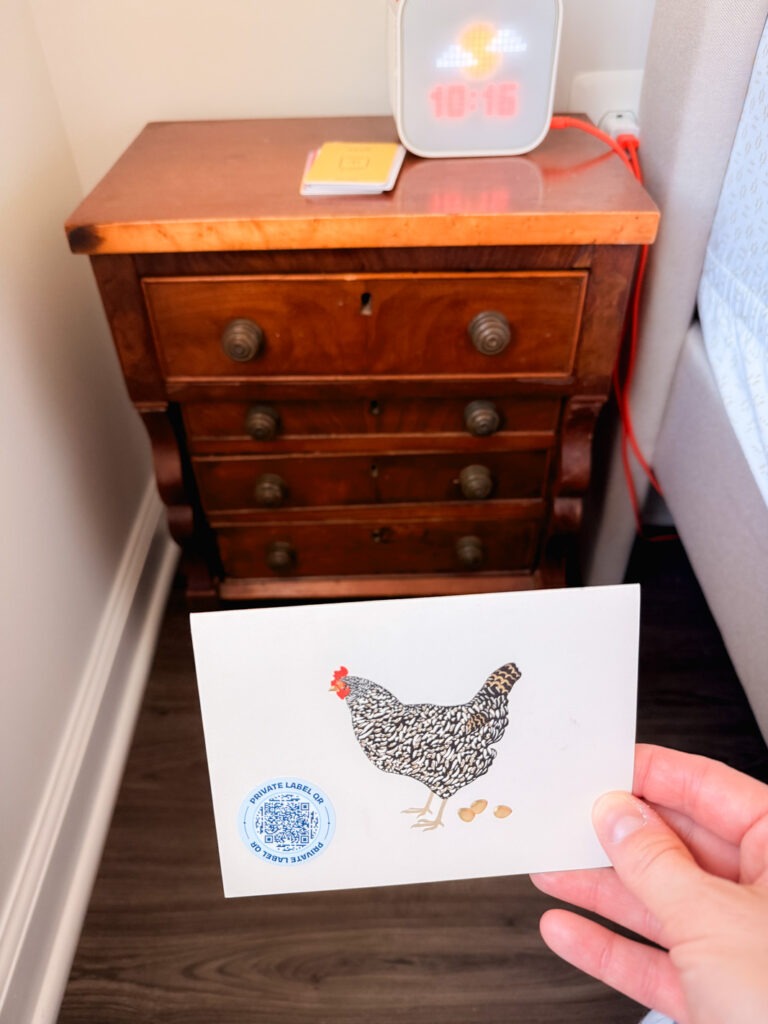
Attach a label to meaningful items and store the story behind them digitally. It’s a simple way to preserve memories without holding onto extra paper. The tiny chest my great grandfather build by hand? I need the story dictated by my mom to preserve forever! Speaking of mom, she could stick one on the back of her paintings to describe the inspiration!
Pet Care Station
Keep feeding instructions, vet details, and notes for pet sitters in one place near your pet’s supplies, eliminating the need for taped notes or printed instructions.
A More Streamlined Pantry
Use labels on containers to link to recipes, expiration reminders, or grocery lists so you don’t need printed recipes or extra paper sticky notes floating around.
Moving Boxes You Can Actually Search
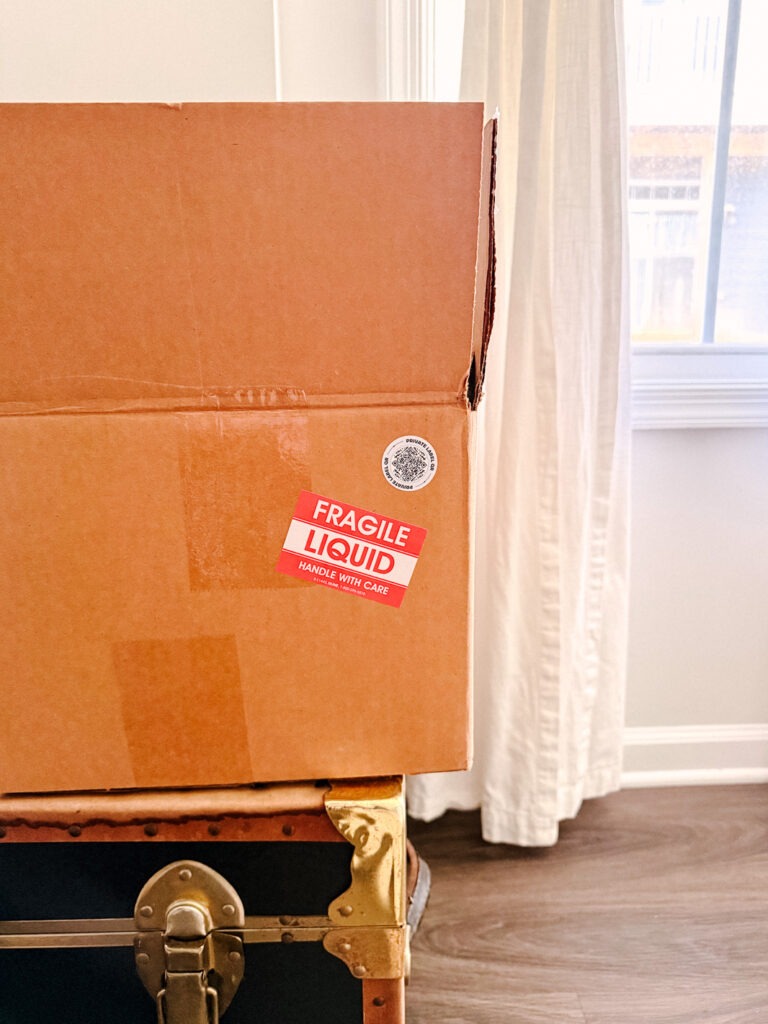
This might be one of the most practical uses of the Sticky Notes. Add a label to each moving box and create a digital contents list you can update as you pack. Instead of writing “Kitchen” or “Miscellaneous” on the outside and hoping for the best, you can store a much more detailed inventory of what’s inside, add notes about fragile items, even include photos, and note which room each box belongs in. It makes unpacking so much easier, but it’s also incredibly helpful if boxes end up in storage and you need to find something months later without opening everything.
Breaker Box Guide
Label your electrical panel with clear, digital notes about what controls what, instead of relying on a handwritten chart taped inside. (Or use the chart for at-a-glance use but add more notes for more detailed descriptions like which outlet in which room does something specific).
Wine Bottle Notes and Cellar Organization
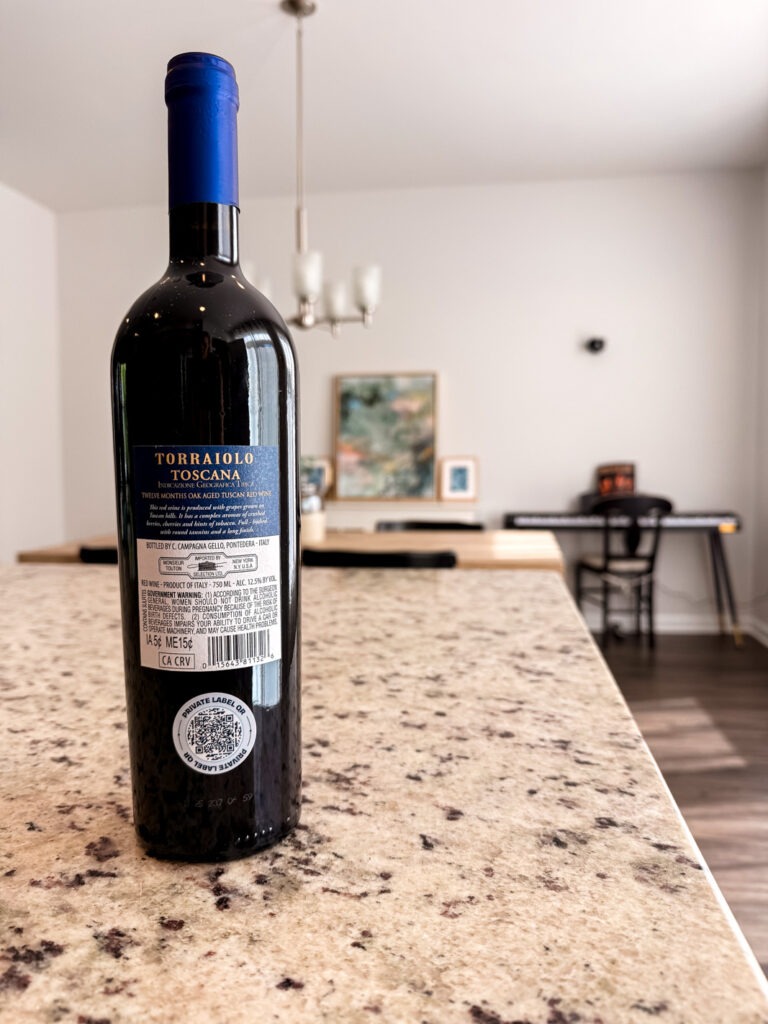
If you have a wine collection of bottles you’ve purchased, keep track of details without maintaining a separate notebook or spreadsheet. Add a label to a wine rack, shelf, or individual bottle and note where and when you purchased it, what you paid, tasting notes, ideal drinking windows, and even food pairings you want to remember.
A Simpler Way to Go Paperless
What I love most about The Smart Sticky Note is that they don’t require a big system or overhaul. It’s just a small, practical shift that helps reduce paper without losing information. Everything becomes easier to access, easier to update, and a lot less cluttered. All you need are stickers and the app!
Leave a Reply